
This AMS tip is a quick review on some of the actions/filters available on the Subscriptions tab.

At the top of the Subscriptions tab there are filters that help organize the various subscription types an Account can have. These filters can work great in conjunction with the Extend / Decline / End Trial functions. For example, you could filter the Subscriptions by "Active Trial", and then use the "Select All" function to "End Trial" for all of the Account's active trials in one fell swoop.
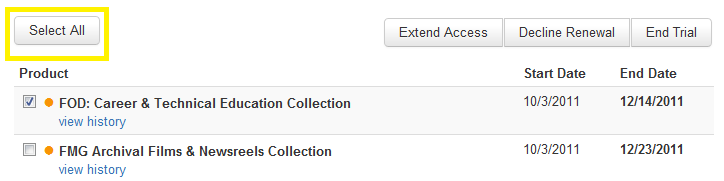
Also to note, if a certain subscription has already been extended manually, when you "Select All" to update other subscriptions, please be sure to unselect anything previously extended before contuning.