
This week's AMS tip is a quick overview of how to request "Children" Accounts be imported for a specific K-12 District ("Parent") Account.
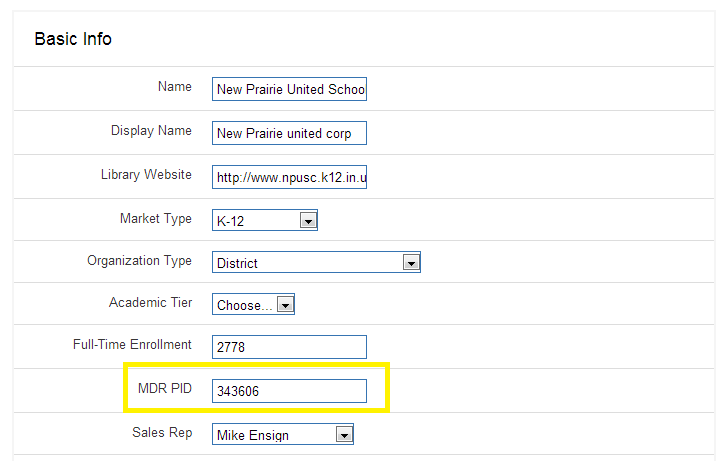
First, please make sure the District Account and any related "Children" Accounts that already exist in the AMS have their MDR information properly filled out. Our process will be able to link automatically based of off the MDR data, and create new accounts accordingly. You should also check for duplicate accounts at the "Parent" level prior to making the import request so that we can continue to clean up any unneeded duplicates by merging accounts if necessary.
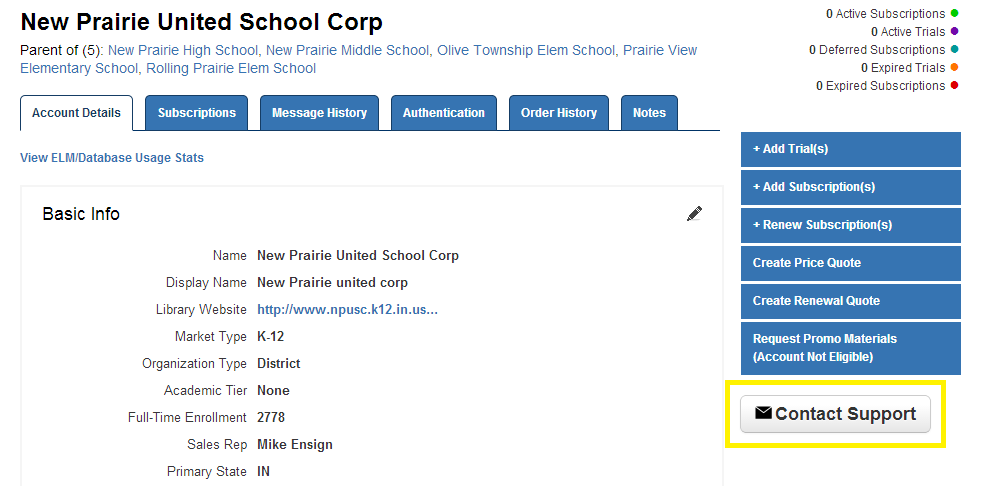
Then, simply click on the Contact Support link on the District's Account Details Page and include the MDR PID with your request. Support will notify you as soon as the Import has been completed.