
In this AMS Tip we are going to take a look at the newly redesigned Advanced Search Page. You can find this feature by clicking the "Advanced Search" link at the top-right of your AMS screen.

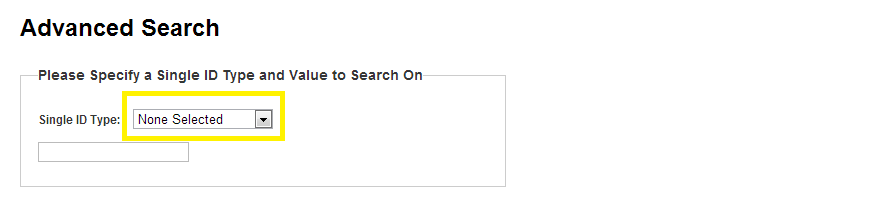
There are two types of Searches you can make here. The first option is to find a specific Account based on one of the following Identification Numbers:
|
The second Search Option allows you to use various search terms at the same time:
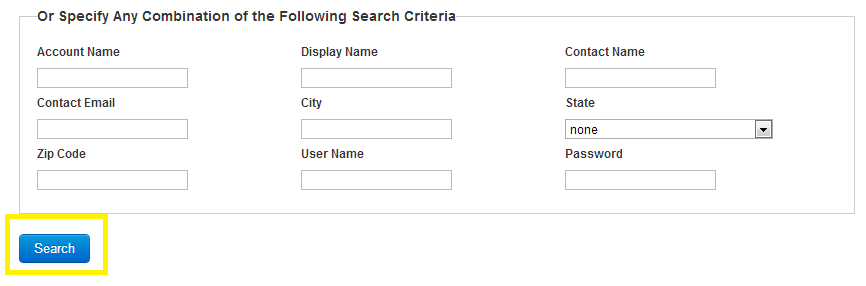
Expect more options and filters to be added to this search, including an Export to Excel feature!