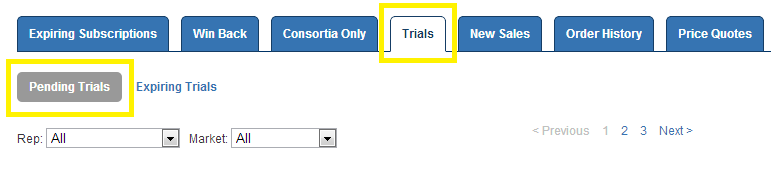
In this AMS tip we are going to talk about some of the recent changes made to the Pending Trials Queue. As a reminder, the Pending Trials Queue can be accessed via your Dashboard Homepage, and it is comprised of any customer requests that came in via our Free Trial Request page to demo Infobase online products.
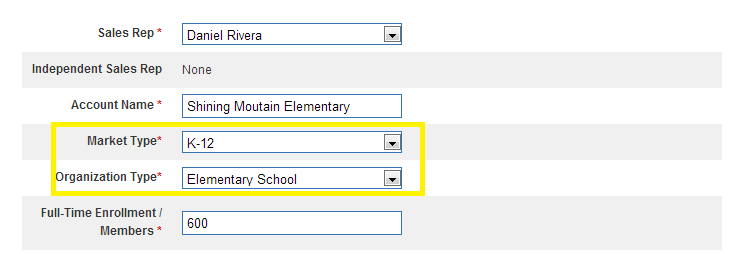
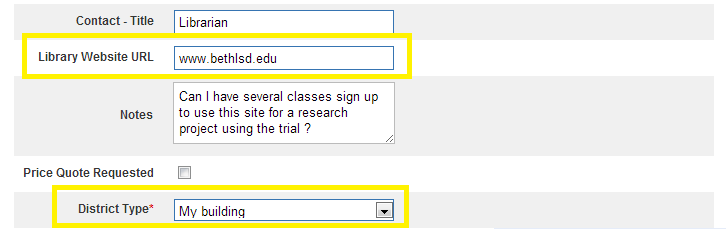
There are a few new fields here that reflect changes made to the Free Trial Request page. We are now collecting the additional following data fields: New Market / Organization Types, Library Website URL, and Building / District. We have also removed the option for a customer to directly request their own Username / Password. As we know from the last AMS Tip, a Username / Password will be generated for them automatically, of which can be changed any time.
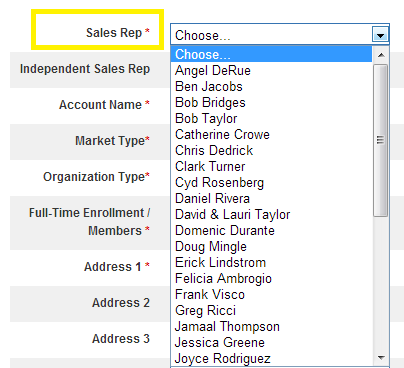
Did you receive a Free Trial Request that wasn't meant for you? Simply use the Sales Rep drop-down at the top of the page to select the appropriate Rep and then click "Save Changes to Pending Account". Doing so will remove the pending trial from your queue and place it in sales rep's queue that you selected. Next week we will be adding a feature that will also send an email notification to the Rep letting them know that a new pending trial has been transferred to them.