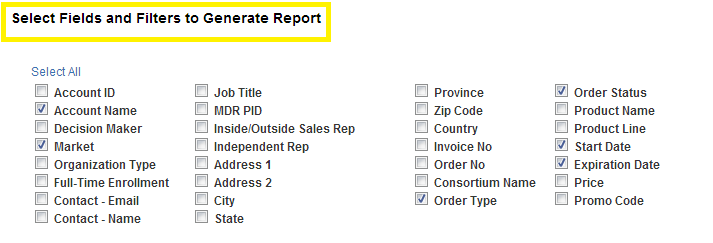
Welcome to the New Order Reporting Wizard. This custom reporting tool is one of three new options now available from the Reporting Homepage. This Reporting Wizard is to be used when looking for specific information based on the current Order data available in the AMS.
Reporting Results will contain Order information based on the Products selected and any other addtional filters you apply.
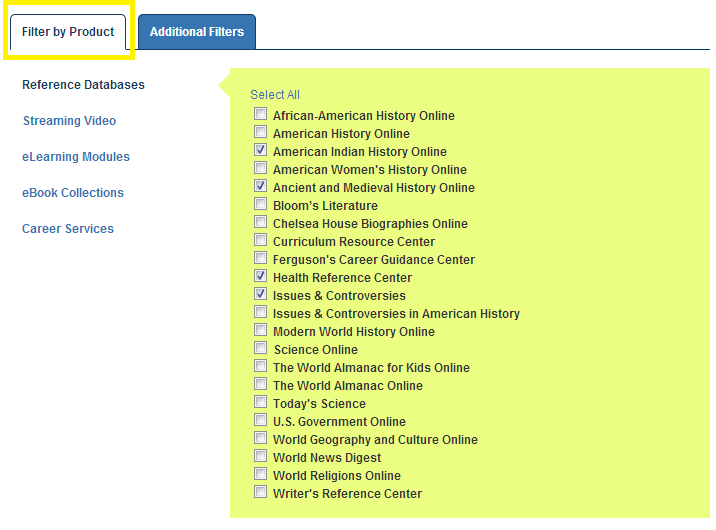
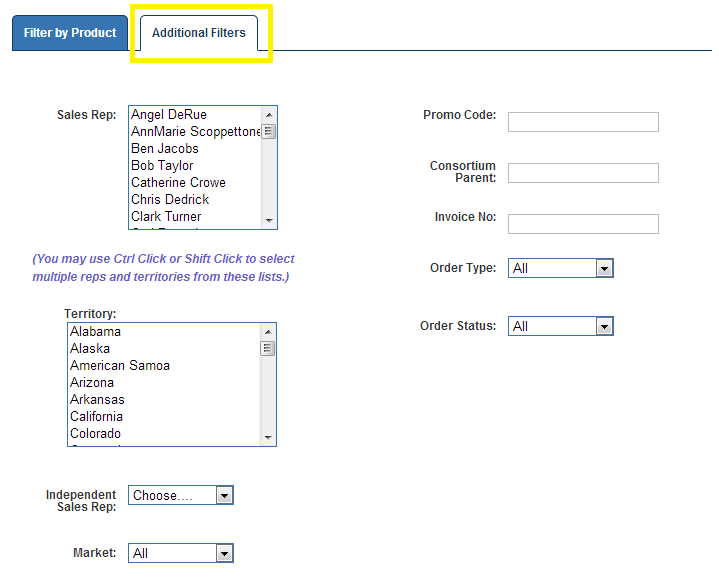
To help narrow your results, select from any of the Addtional Filters listed in the second tab. Want to only see New Orders of Issues & Controversies in the Academic Market? You can select the correct Product, Market, and Order Type all in the same report.
Note: You can also run reports by Order Status to see orders that have not been processed yet as well.
The information displayed about such orders depends on what fields you select at the top of the page. Want to sort your report by dollar value? Select Price and export the report to excel.