
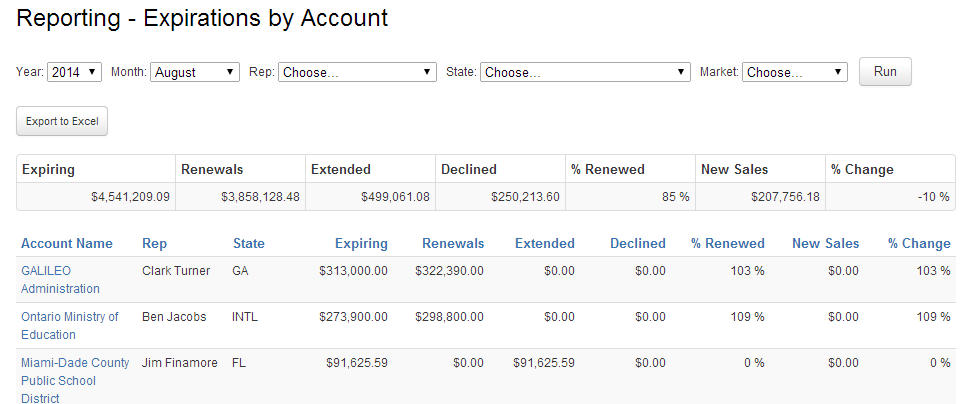
Looking for a particular order that is not on your Expire Report?
There are two common things to check:
- Make sure the Decision Maker of the Order is the appropriate account. The Bill-To and Recipients will not dictate where an order shows up on the Expire Report. The "dollars" will always follow the Decision Maker.
- Make sure the Order has been fully processed. Orders will not show up on the expire report unless they have been invoiced by Customer Service. Orders will show on the report by the Invoice Date.