
This AMS tip is a quick review on the importance and usability of an Account's Contact Information.
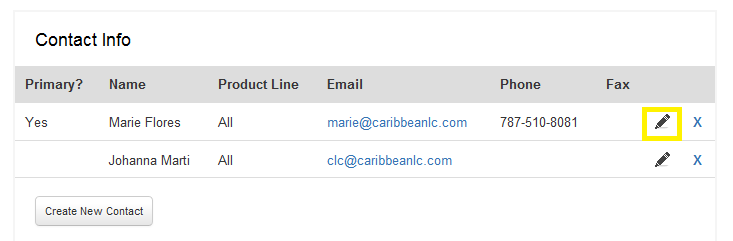
In the Account Details tab, the Contact Info can be edited but clicking the "pencil" icon. Keeping this information up-to-date is vital in ensuring that the customer receives any email communication including invoicing, access emails, technical support, and renewal reminders. As you are well aware, quite often people switch positions at the school/university!
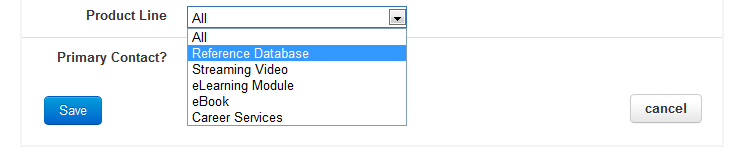
Also to note, you can assign particular contacts to a product line, which will set that person to receive any access emails triggered from the Wizards to be sent to the corresponding contact.
Orders on the other hand, will always be assigned to the current "Primary" Contact, which you can set prior to entering an order. This happens regardless of what products are on the order.
We are however looking to add more flexibility in assigning Contacts and Addresses at the product level for the future.