
For Editors
Login to the CMS. To browse by source, select source from the top menu.

All of the sources exposed to you are visible.
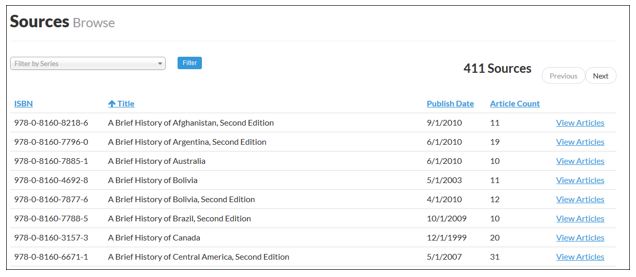
Filter by Series
The "Choose Series" drop down menu lists all of the series currently exposed to you.
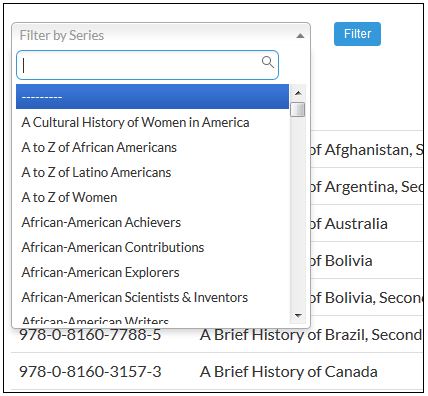
Select Source
Select the series of the source you are interested in, and then click filter. This will bring you to a list of the sources in that series.
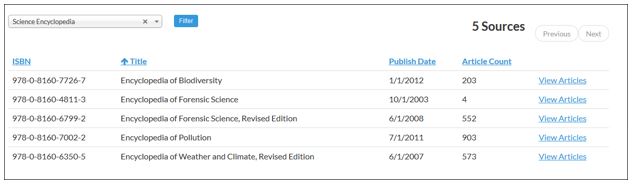
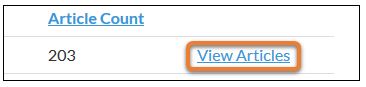
Find the desired source and click "View Articles."
Sorting Article List within a Source
You will see a list of all of the articles in the chosen source.
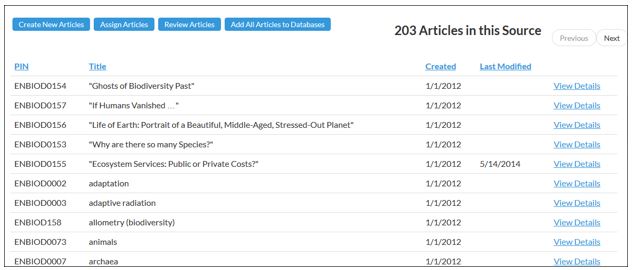
You can sort the results by article PIN, title, date created, and date last modified. Clicking the header of a column, such as PIN, will sort the results alphabetically.